 FuturalTech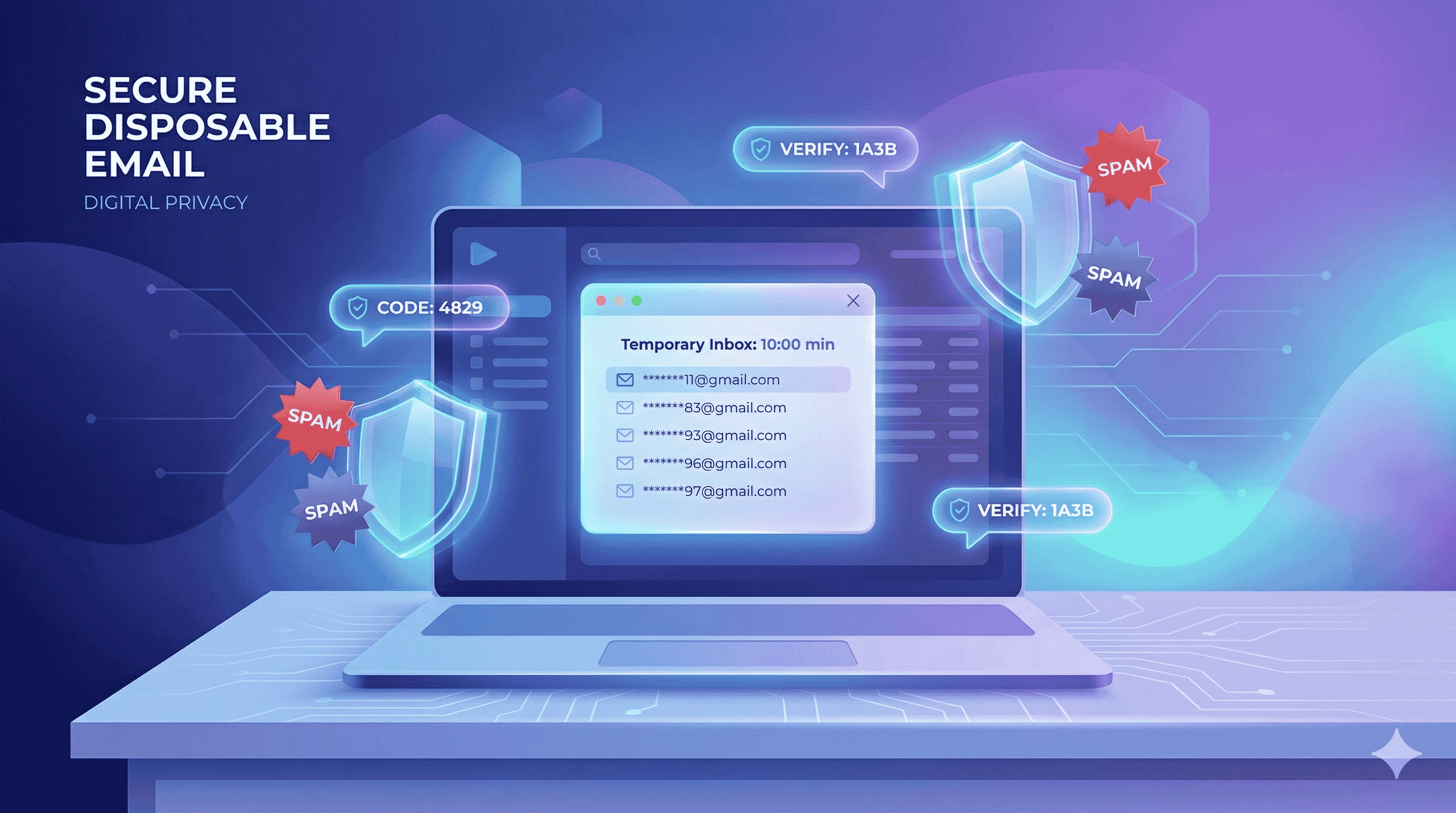
Your Inbox Is Probably Full of Spam — And It’s Not Your Fault
Let’s be honest. Most email inboxes today are overloaded with spam, promotional emails, and newsletters you never remember signing up for. Sometimes you just want to download a free ebook, try a new online service, or access a forum discussion. But before you can continue, the website asks for your email address.
At that moment you have two choices: either give your real email and deal with endless marketing emails later, or avoid signing up altogether. This is where a temporary email generator becomes incredibly useful.
A Temp Mail allows you to create a disposable email address instantly. You can receive verification emails, OTP codes, or confirmation links without exposing your personal inbox.
What Is Temp Mail and Why Do People Use It?
A temporary email address is a short-lived inbox that automatically expires after a certain period of time. Unlike traditional email services, you do not need to create an account, remember passwords, or share personal information.
This type of email is commonly called:
- Disposable email
- Fake email generator
- Temporary inbox
- Burner email address
- 10 minute email
People use temporary email services mainly to protect their privacy while interacting with websites online.
Common Situations Where Temporary Email Is Helpful
There are many everyday situations where using a free temp mail generator can save time and protect your inbox.
- Free Trial Signups: Many websites require an email for free trials. A disposable email lets you test the service without receiving future promotional emails.
- OTP Verification: Some platforms send verification codes during registration. Temp mail allows you to receive the code instantly without sharing your real email.
- Downloading Files: Websites often require email access before allowing downloads such as PDFs, whitepapers, or templates.
- Forum Registration: Sometimes you only want to read one discussion thread or download a file from a forum that requires signup.
- App Testing for Developers: Developers frequently need multiple test accounts. Temporary email services make this process quick and simple.
How This Temporary Email Tool Works
Using our free disposable email generator is extremely simple. You don’t need technical knowledge or complicated setup.
- Open the page
As soon as you visit this page, the system automatically creates a unique temporary email address for you. - Copy the generated email
Use the copy button and paste the email address on the website that requires verification. - Receive verification emails instantly
Our inbox automatically refreshes and displays incoming messages such as OTP codes or confirmation links. - Email expires automatically
After some time, the temporary inbox expires and the address is permanently deleted.
Benefits of Using a Disposable Email Address
Using a temporary email for verification offers several advantages:
- Protect your privacy – Your personal email remains hidden.
- Avoid spam emails – Marketing newsletters never reach your real inbox.
- No registration required – Start using the tool instantly.
- Fast verification – Receive OTP emails within seconds.
- Safe browsing – Reduce exposure to suspicious websites.
Is Temporary Email Safe to Use?
Yes. In fact, using a temporary email address can improve your online privacy. Since these inboxes are temporary and anonymous, they cannot store long-term personal data.
Our tool does not require any personal details such as your name, phone number, or password. The generated email exists only for a short time and then disappears automatically.
Can I Send Emails Using Temp Mail?
No. This service only allows receiving emails. We intentionally disable sending emails to prevent spam or misuse. The goal of this tool is to help users receive verification messages while protecting their primary inbox.
Popular Uses for Temp Mail
- Temporary email for website registration
- Disposable email for verification codes
- Temporary email for testing applications
- Temp mail for free trial accounts
- Anonymous email for downloads
- Fake email generator for quick signups
Frequently Asked Questions
Is this temp mail service free?
Yes, the tool is completely free to use. No registration or subscription is required.
How long does the temporary email stay active?
Temporary email addresses usually remain active for around 10 minutes or until the browser session ends.
Can I recover the same email address later?
No. Once a temporary email expires, it is permanently deleted from the system.
Is using temporary email legal?
Yes. Temporary email services are legal and widely used to protect personal inboxes from spam.
Need a quick verification email without exposing your real inbox? Use the free temp mail generator above and stay spam-free.